
 NEW 5s
⚡ Generate
NEW 5s
⚡ Generate
18+ only · Fictional adult characters · A private, account-based studio
Carry your character’s face through clips so the whole exhibition stars one sitter. Priced by length and resolution, with a suitability guide.
Priced by clip length and resolution, shown before you confirm. Failed jobs refund automatically.
Pick an effect, upload your photo, and the built-in recipe does the rest. Same photo, far more reliable results.
You have been writing prompts by hand. Templates skip all of that — pick a card below, upload your photo, and get the same scene in one click.
NEW 5s
⚡ Generate
 NEW 5s
⚡ Generate
NEW 5s
⚡ Generate
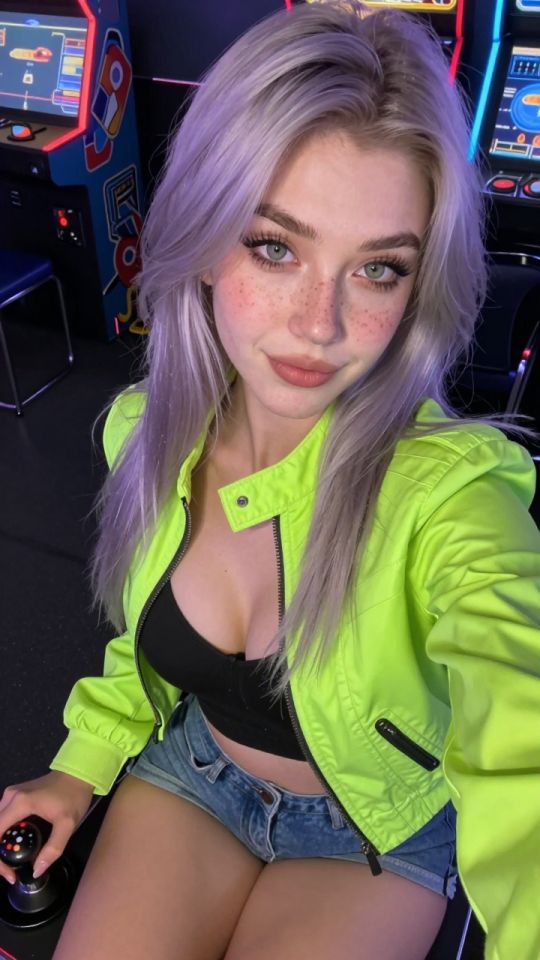
 5s
⚡ Generate
5s
⚡ Generate

 5s
⚡ Generate
5s
⚡ Generate
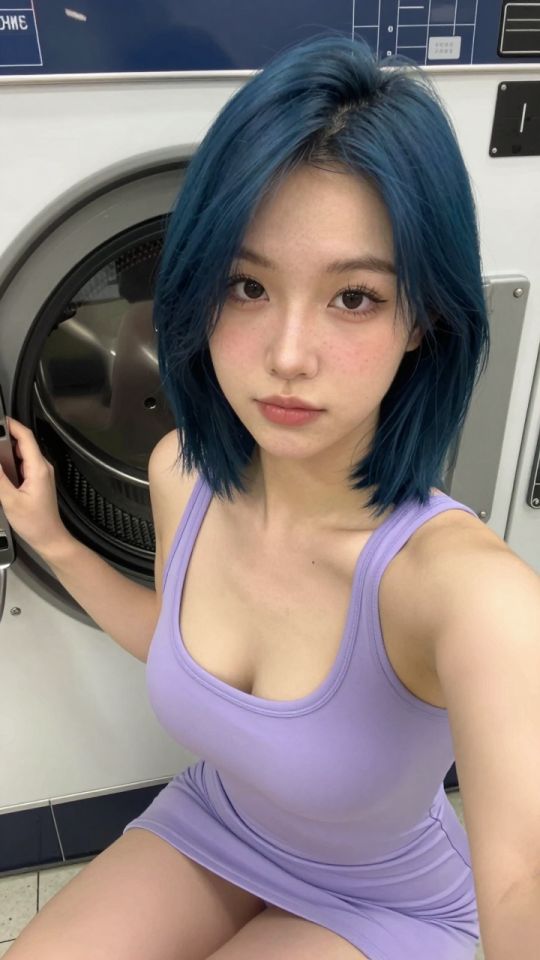
 NEW 5s
⚡ Generate
NEW 5s
⚡ Generate
 5s
⚡ Generate
5s
⚡ Generate
 IMAGE
⚡ Generate
IMAGE
⚡ Generate

 5s
⚡ Generate
5s
⚡ Generate
 NEW 5s
⚡ Generate
NEW 5s
⚡ Generate
 5s
⚡ Generate
5s
⚡ Generate
 5s
⚡ Generate
5s
⚡ Generate

 IMAGE
⚡ Generate
IMAGE
⚡ Generate
The video face swap carries your character’s face through a clip, frame by frame, so footage produced from different sources still stars the same sitter. It is the moving counterpart of still portraiture: use it to bring existing clips into your exhibition, or to rescue a strong performance whose face drifted off-entry. Pricing scales with clip length and resolution, calculated on the job and shown before you confirm; failed jobs refund automatically.
The same clean, front, evenly lit portrait you sit stills with. One reference across stills and video is the consistency system.
Faces near-frontal, steadily lit, unobstructed. Extreme angles and rapid cuts are where swaps strain.
Review the full clip, not the first second — swaps fail at turns, profile passes and light changes.
Clips produced at different times and in different rooms, re-sat so the catalogue reads as one performer’s work.
Scenarios you brief once and shoot generically become your character’s scenes after the sitting.
When the movement is right and the face is wrong, the sitting fixes the cheaper half of the problem.
| Trait | Works well | Strains the swap |
|---|---|---|
| Face angle | Frontal to three-quarter | Long profile sections |
| Camera | Steady or slow moves | Whip pans, heavy shake |
| Light | Consistent through the clip | Strobe, hard cuts between setups |
| Obstruction | Face clear | Hair, hands or props crossing the face |
Your own face or a fictional character’s, onto footage you own or have documented consent to transform. Real third parties without consent are prohibited.
By clip length and resolution, calculated per job and shown before you confirm — Failed jobs refund automatically.
Usually at profile turns, light changes or obstructions. Review the whole clip before hanging it; short, steady clips hold best.
Yes. One reference portrait for stills and video alike is what keeps a sitter identical across formats.
No. Sources, clips and results are private to your account.
Drafts, edits, animation and finishing share one credit balance and one private library. Start with the piece you need today.
Open the generatorYour image is deleted after generation.
Browse filesFailed jobs are refunded automatically. Results land in My Collection.
Sign in with Google to start generating
Opening secure Google sign-in…